Top 5 Essential Shortcuts Every 3D Artist Needs for Faster Workflow
After a long holiday break, many 3D artists experience the same feeling: opening a project file and suddenly realizing their workflow feels slower than usual. In professional production environments where deadlines never stop, even small delays in basic operations can significantly impact overall productivity.
This is why experienced artists prioritize maintaining muscle memory through keyboard shortcuts and optimized workflows. In reality, one of the biggest differences between beginners and professionals is not necessarily technical knowledge, but the speed and efficiency of handling fundamental tasks.
One of the most essential shortcut groups in almost every 3D software package is the W, E, and R combination. These keys switch between Move, Rotate, and Scale tools - the three most frequently used operations in modeling, layout, animation, and environment design. Many beginners lose valuable time by switching tools manually with the mouse, while professionals rely heavily on keyboard shortcuts to maintain workflow speed.
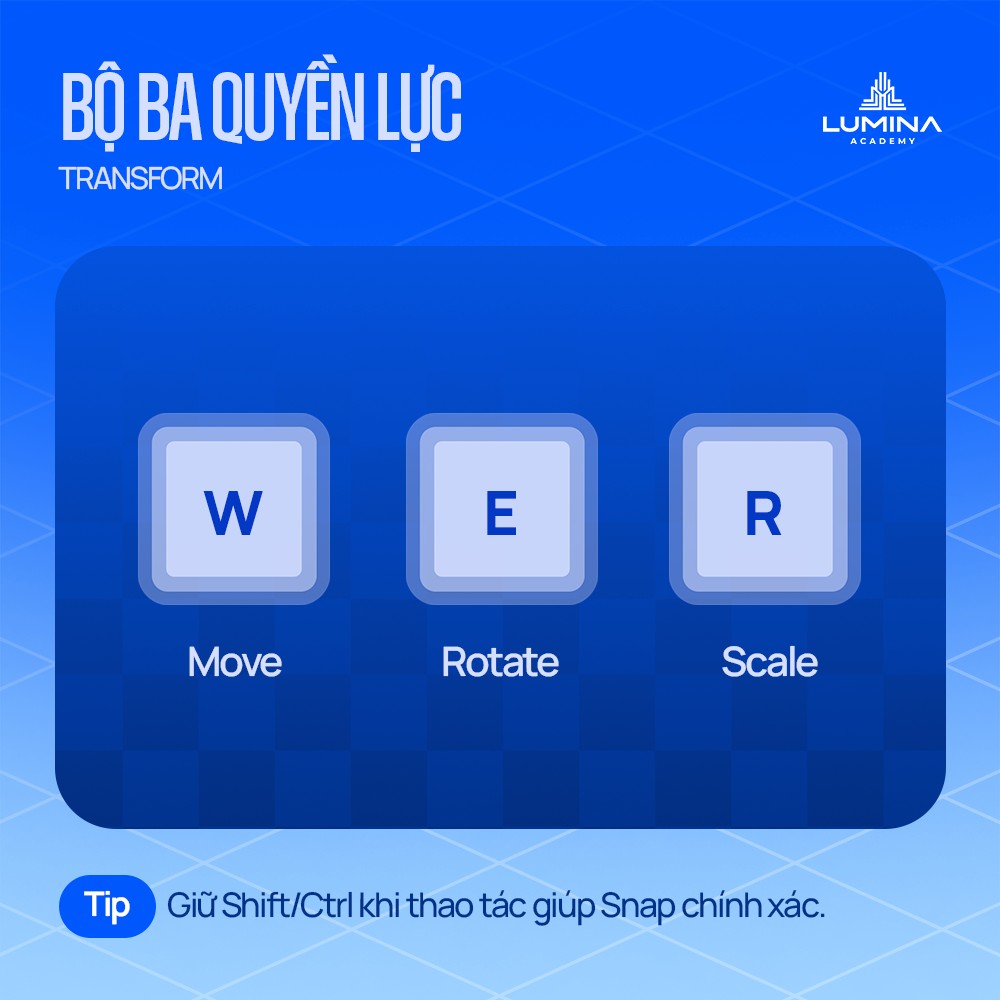
When combined with Ctrl or Shift for snapping, artists can achieve more precise object control, reduce repetitive adjustments, and maintain cleaner scene organization.
Navigation is another critical factor that affects workflow efficiency. In software such as Autodesk Maya, Blender, and Substance 3D Painter, the Alt + Mouse combination allows artists to move through 3D space much faster and more naturally. Alt + Left Mouse rotates the camera around objects, Alt + Middle Mouse pans the scene, and Alt + Right Mouse zooms in and out quickly.
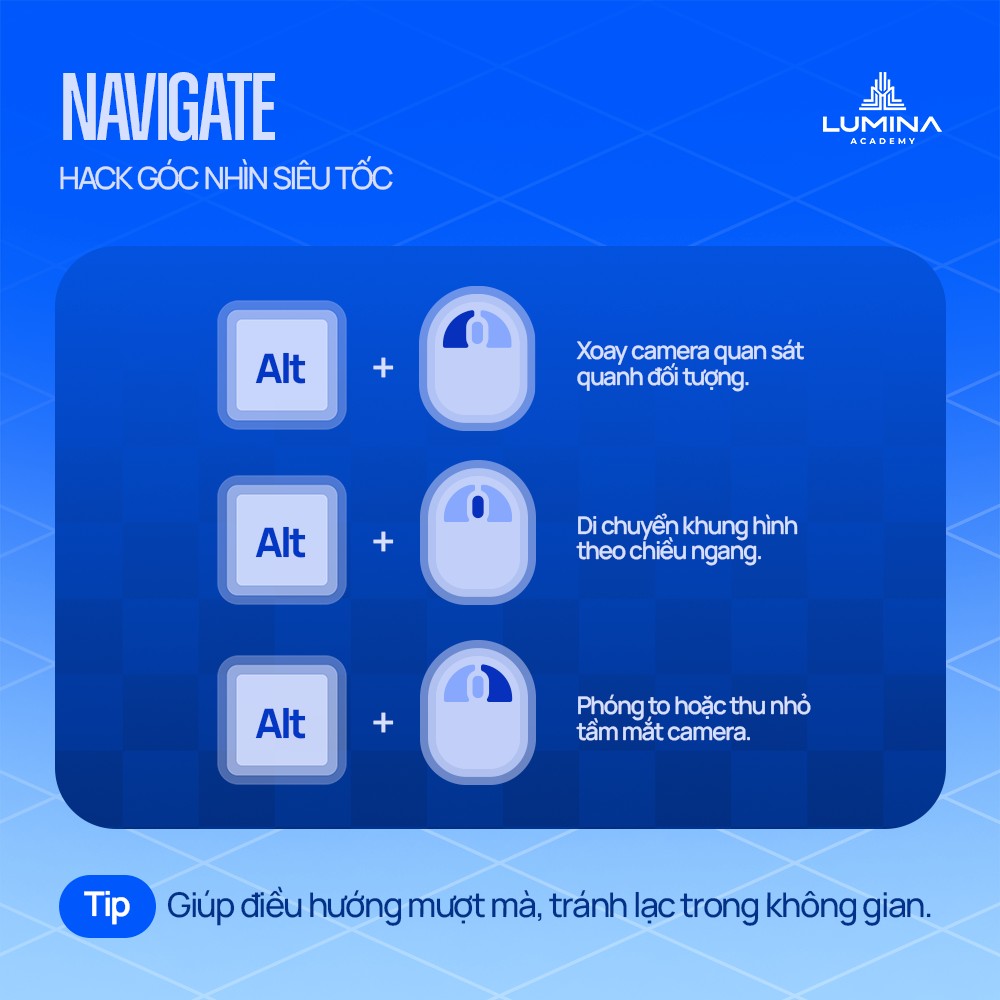
Although simple, this navigation system becomes extremely important when working with large environments or complex production scenes. Efficient scene navigation saves significant amounts of time and keeps artists focused on creative tasks instead of searching through the viewport.
Another underestimated but essential shortcut is Ctrl + Z and Ctrl + Shift + Z for Undo and Redo. Beyond correcting mistakes, these shortcuts support creative experimentation during production. Artists often test multiple lighting setups, poses, layouts, or material variations before deciding on the final version.
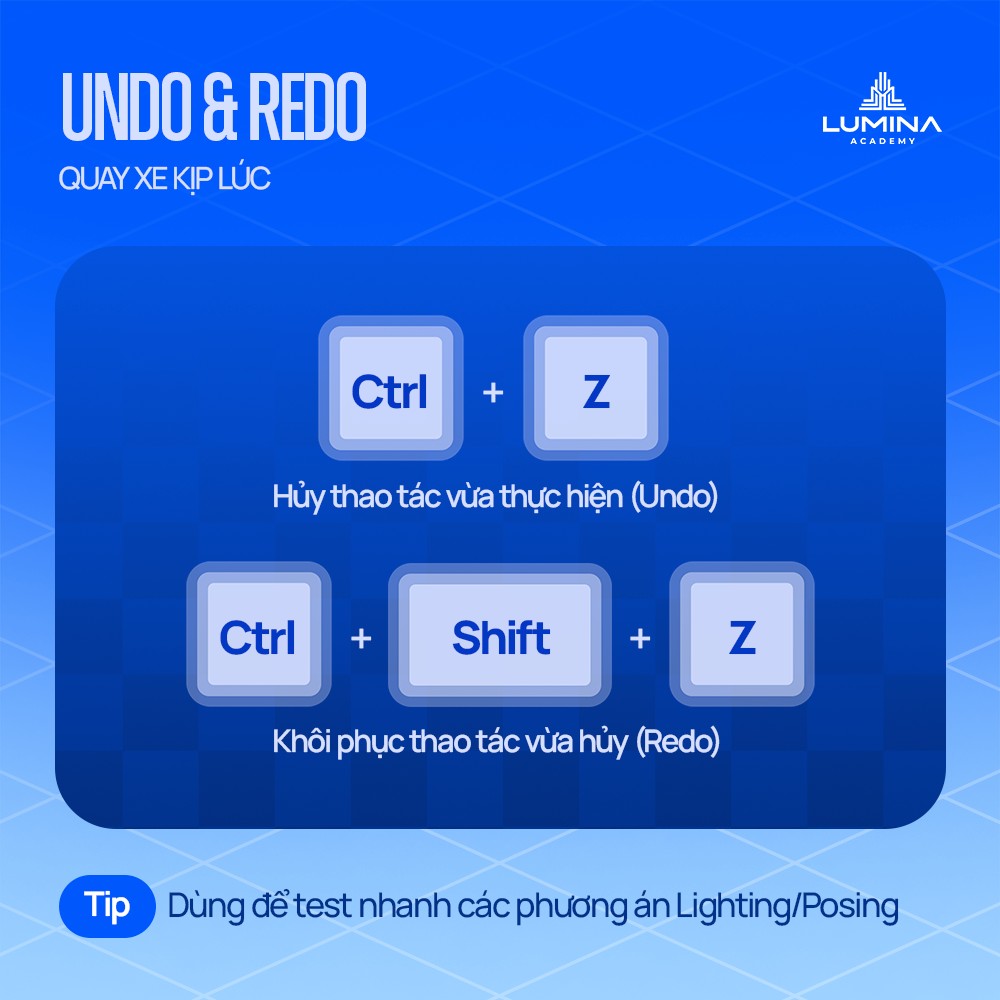
Quickly reverting between different versions allows for a more flexible and non-destructive workflow.
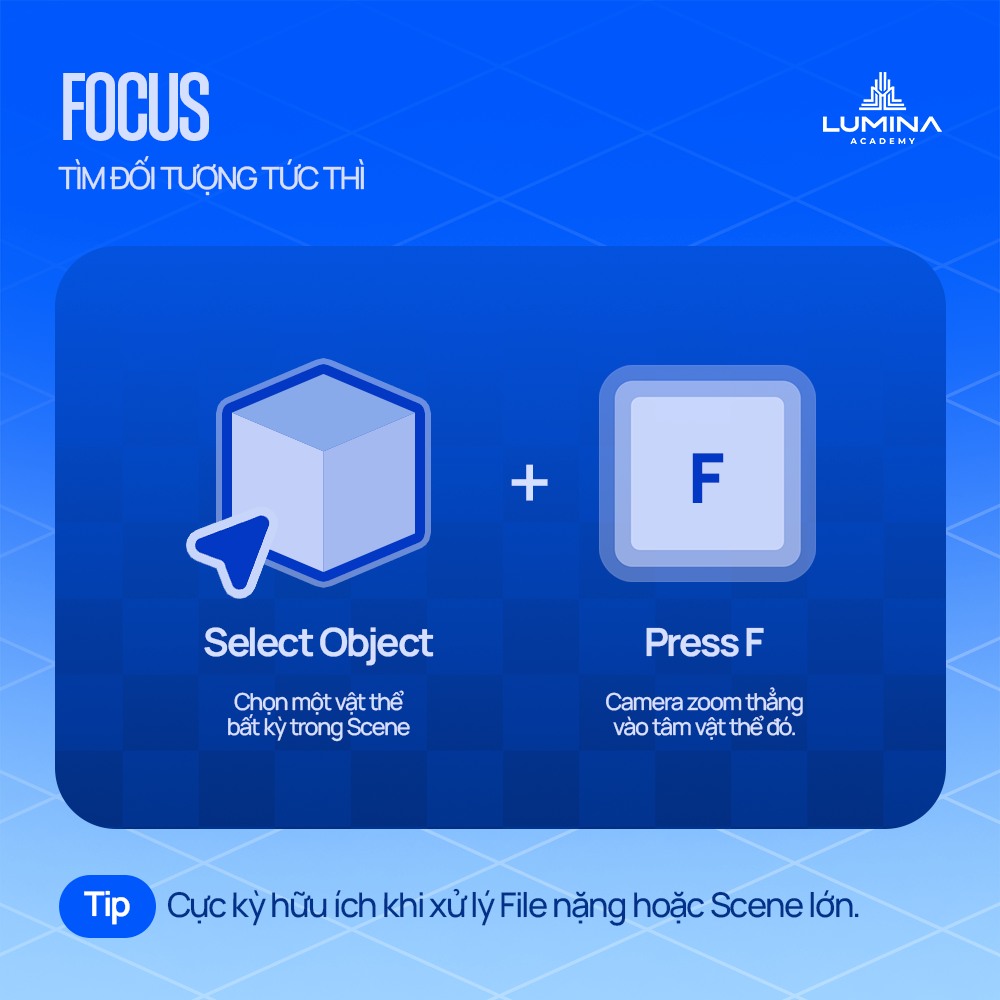
The F key is another small but highly effective shortcut. By selecting an object and pressing F, the camera immediately focuses on the selected asset. This becomes especially useful in large scenes or imported projects where manually locating objects can waste a significant amount of time.
In environment creation and level design workflows, duplication shortcuts are equally important. Ctrl + D or Shift + D allows artists to duplicate objects instantly without rebuilding assets from scratch. In Unreal Engine, Alt + Drag is commonly used to duplicate assets directly inside the viewport.
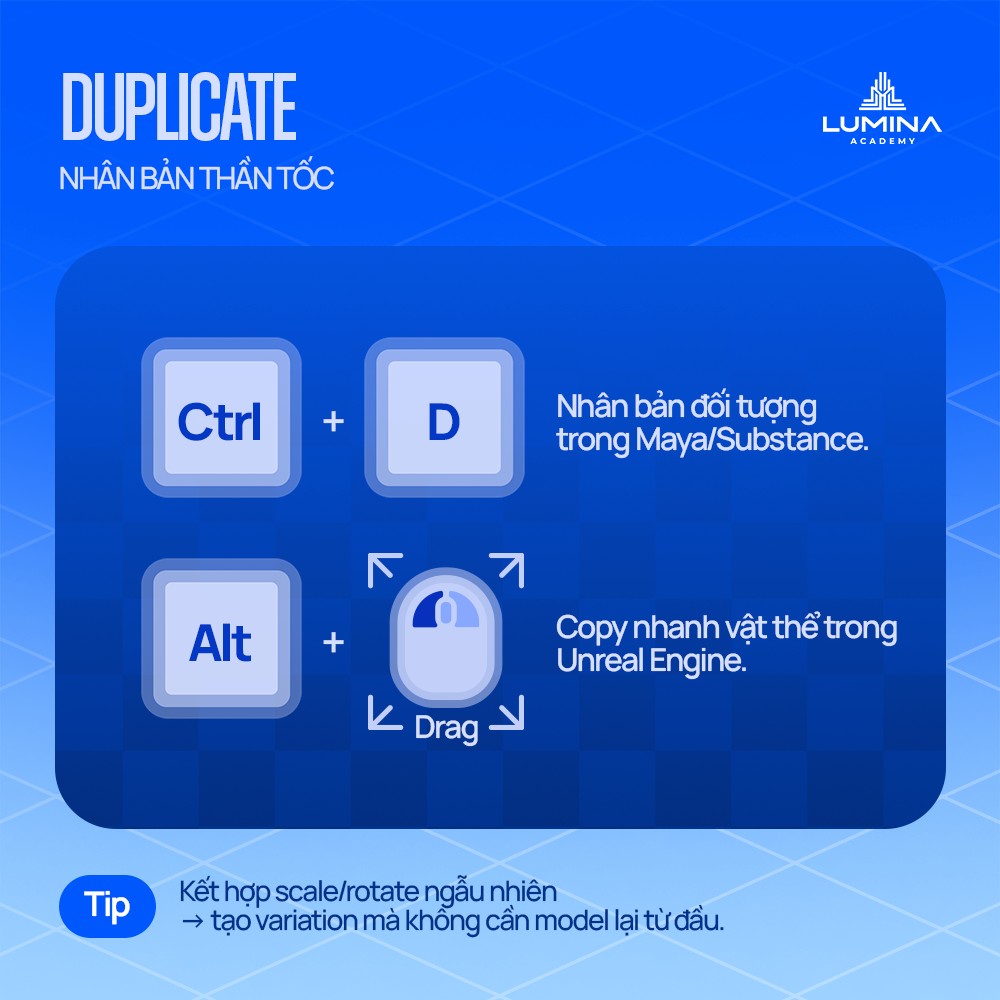
When duplication is combined with random scaling or rotation adjustments, artists can quickly create natural-looking variations while maintaining production efficiency.
In professional 3D production, workflow speed is rarely about using extremely advanced techniques. More often, it comes from optimizing small everyday actions. Mastering keyboard shortcuts not only improves speed but also helps artists maintain focus and creative momentum throughout the production process.
After taking a break, the goal is not to relearn everything from the beginning, but to reactivate workflow reflexes and return to an efficient creative rhythm as quickly as possible.